
A Safe Terraform State Migration Playbook
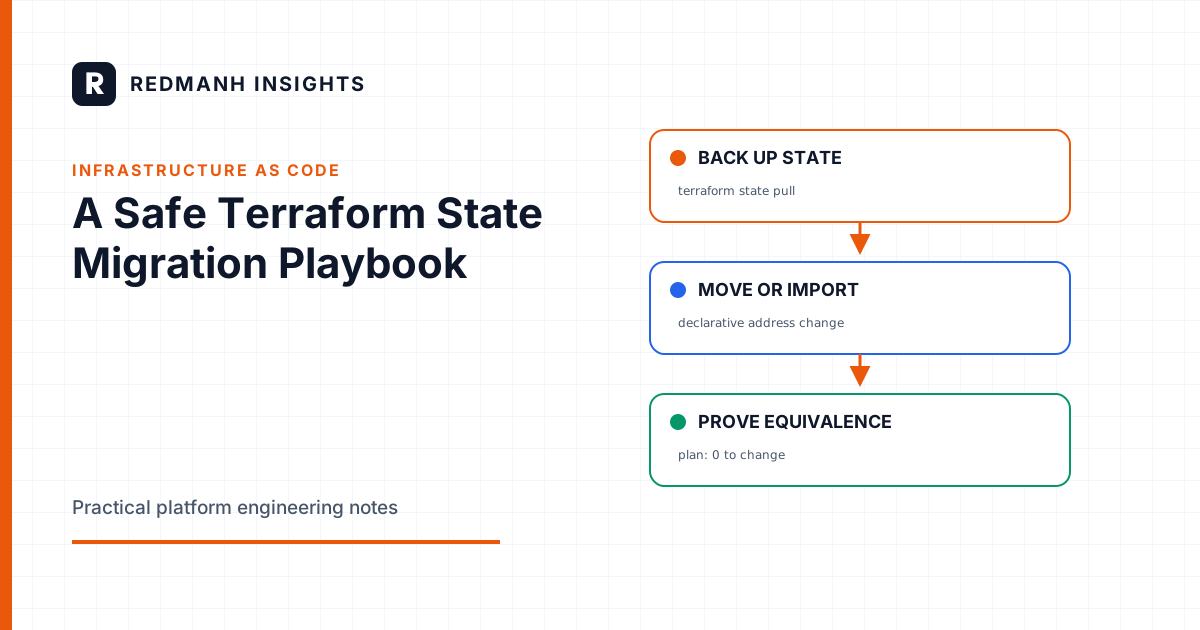
A state migration is a data migration
Terraform state is not a disposable cache. It is the binding between resource addresses in configuration and real infrastructure objects. A migration can leave every cloud resource running while still damaging that binding. The next plan may then propose duplicate resources, destructive replacements, or changes against the wrong object.
Treat the work like a database migration. Define the source and destination, preserve an immutable backup, prevent concurrent writers, transform addresses explicitly, validate invariants, and retain a rollback path. The objective is not merely to make terraform plan exit successfully. The objective is to prove that configuration, state, provider identity, and remote objects still describe the same system.
A zero-change plan is necessary evidence, but not sufficient evidence. It can be zero because the wrong workspace, account, region, or backend was selected.
Classify the migration before touching state
State migration describes several operations with different failure modes:
- Address refactor: rename a resource, add
for_each, or move resources into a module while retaining the same backend. - Import: bind existing infrastructure to a Terraform address.
- Backend migration: move a whole state snapshot between local and remote storage, or between remote backends.
- State decomposition: split one state into several ownership boundaries.
- State consolidation: combine independently managed objects under one state.
Write down the exact source and destination for four dimensions: backend, workspace or state key, cloud account, and region. Record the Terraform CLI version and provider lock file in use. A migration performed from a different toolchain than the one used to produce the baseline plan introduces an avoidable variable.
Establish a controlled starting point
Freeze writers and verify the lock path
Pause scheduled plans, CI apply jobs, drift remediation, and operator applies for both source and destination. Do not assume a remote backend lock exists merely because the backend supports locking. Verify it by behavior in a non-production state using the same backend configuration. Start one lock-holding operation, then confirm that a second operation fails to acquire the lock.
terraform version
terraform workspace show
terraform providers
terraform init -reconfigure
terraform plan -lock=true -lock-timeout=30s -out=baseline.tfplan
For S3 backends, current Terraform versions can use S3 lock files when use_lockfile = true. Some estates still use a DynamoDB lock table. Confirm the mechanism configured for the deployed Terraform version rather than copying a backend example from a different version. For HCP Terraform or Terraform Enterprise, confirm that no run is queued or active and that the workspace is locked against new runs during the maintenance window.
Never use -lock=false to get past contention. Investigate the lock owner. Use terraform force-unlock only after proving that the owning process is dead and after preserving the current state snapshot. A stale-looking lock can belong to a slow or disconnected apply that is still changing infrastructure.
Capture evidence and independent backups
Pull state through Terraform and also capture a backend-native version or copy. The Terraform copy proves the CLI can read the selected state. Backend versioning protects against an incorrect key, accidental overwrite, or a rollback that itself fails.
mkdir -p migration-evidence
terraform state pull > migration-evidence/source.tfstate
terraform show -json baseline.tfplan > migration-evidence/baseline-plan.json
terraform state list > migration-evidence/source-addresses.txt
shasum -a 256 migration-evidence/source.tfstate \
  > migration-evidence/source.tfstate.sha256
Store the evidence outside the working directory and outside the destination backend. Protect it as sensitive material because state commonly contains identifiers and may contain secrets. For S3, enable bucket versioning before the change and record the object version ID of the source key. For Azure Blob Storage, record the blob version or snapshot. For Google Cloud Storage, record the generation. Do not rely only on an unversioned copy in the same bucket.
Record serial and lineage from the pulled JSON. Lineage identifies the state family, while serial advances on writes. These values help detect an unexpected writer and distinguish the intended snapshot from a stale local file.
Prefer declarative address changes
Use moved blocks for configuration refactors
A moved block tells Terraform that an existing object has a new address. It makes the refactor reviewable, repeatable across workspaces, and visible to future operators. It is safer than an undocumented sequence of terraform state mv commands.
moved {
  from = aws_security_group.web
  to   = module.network.aws_security_group.web
}

moved {
  from = aws_instance.worker
  to   = aws_instance.worker["primary"]
}
Run a plan and inspect the action reason. Terraform should report a move without destroy and create actions. Keep moved blocks long enough for every relevant state, workspace, and long-lived branch to pass through the refactor. Removing them immediately can break an environment that did not apply during the first rollout.
Use import blocks for existing objects
Import blocks make adoption part of configuration and plan review. The provider-specific import identifier must refer to the exact remote object in the intended account and region.
import {
  to = aws_s3_bucket.logs
  id = "company-production-logs"
}

resource "aws_s3_bucket" "logs" {
  bucket = "company-production-logs"
}
Import does not infer a correct resource configuration. After importing, reconcile configuration with provider defaults and remote settings until the plan shows the intended result. Do not suppress unexplained differences with broad ignore_changes. That can turn incomplete adoption into permanent unmanaged drift.
Reserve state CLI commands for surgical work
terraform state mv, state rm, and state push are powerful because they mutate the ownership database directly. Use them only when declarative blocks cannot express the operation, such as moving an object between separate state files.
Before each mutation, list the exact source address and dry-run the selection where supported. Quote addresses containing indexes so the shell does not reinterpret them.
terraform state show 'module.app.aws_instance.worker["blue"]'
terraform state mv -dry-run \
  'module.app.aws_instance.worker["blue"]' \
  'module.compute.aws_instance.worker["blue"]'
Avoid terraform state rm followed by a manual import when a move can preserve identity in one operation. Never edit state JSON by hand. Never push a state snapshot without checking lineage, serial, destination, and current remote state immediately beforehand.
Migrating remote backends safely
Commit and review the destination backend configuration, but do not mix backend migration with resource refactoring if the changes can be separated. Initialize from a clean checkout with the same Terraform version used for the baseline.
terraform init -migrate-state
terraform state pull > migration-evidence/destination.tfstate
terraform state list > migration-evidence/destination-addresses.txt
shasum -a 256 migration-evidence/destination.tfstate
terraform init -migrate-state asks Terraform to copy state to the new backend. Read the prompt carefully. In automation, -force-copy accepts migration prompts automatically, so it should be used only in a reviewed procedure with exact backend inputs. Do not make it a generic CI default.
For a state split, create destination state boundaries first, with access controls, encryption, versioning, and locking enabled. Move a small, low-risk object as a pilot. Validate both source and destination plans before moving the remainder. Dependencies across states must become explicit through stable inputs or remote-state outputs. A split that leaves hidden ownership assumptions is not complete.
Prove plan equivalence
Compare more than the human summary line. The post-migration plan should target the same account and region, contain the expected provider versions, and address the same remote object IDs. For a pure backend migration, the strongest expected result is no resource change. For an address refactor, expected actions should be moves only. For an import, differences should be understood field by field.
- Run
terraform validateand a locked plan with refresh enabled. - Save the plan and convert it to JSON.
- Inspect
resource_changesfor create, update, delete, and replace actions. - Compare state address sets and object IDs before and after.
- Confirm backend key, workspace, account identity, and region independently.
terraform validate
terraform plan -lock=true -lock-timeout=60s -out=after.tfplan
terraform show -json after.tfplan > migration-evidence/after-plan.json
jq -r '.resource_changes[] |
  select(.change.actions != ["no-op"]) |
  [.address, (.change.actions | join(","))] | @tsv' \
  migration-evidence/after-plan.json
Use an identity command outside Terraform, such as aws sts get-caller-identity, and record it with the evidence. Provider aliases deserve particular attention because the same resource type can point to different accounts or regions.
Rollback is a rehearsed procedure
Define rollback triggers before the change: unexpected creates or deletes, mismatched object IDs, failed lock verification, missing addresses, incorrect lineage, or any unexplained plan action. Stop immediately if a trigger occurs. Do not apply changes in an attempt to make a suspicious plan converge.
For a backend-only migration, rollback usually means restoring the previous backend configuration and selecting the preserved source snapshot. First freeze all writers again. Determine whether either backend advanced after migration. If the destination accepted writes, blindly restoring the old source would discard them. Reconcile snapshots before choosing the authoritative version.
terraform state push is a last-resort restoration mechanism, not the first rollback step. Prefer backend-native version restoration or Terraform's backend migration path. If a push is unavoidable, preserve the current remote state, verify destination identity, compare lineage and serial, and perform a plan immediately after restoration.
Completion checklist
- Source and destination are documented by backend, key, workspace, account, and region.
- Concurrent writers are paused and locking behavior is verified.
- CLI-level and backend-native backups exist outside the destination.
- Address changes use reviewed moved or import blocks where possible.
- Post-migration addresses, IDs, lineage, and plan actions match the intended transformation.
- Automation is re-enabled only after a second operator reviews the evidence.
- Backups and rollback instructions remain available until every environment and branch has converged.
The safest migration is intentionally uneventful. Its quality is visible in the evidence left behind: exact snapshots, explicit mappings, verified locks, explainable plans, and a rollback route that does not depend on memory.
Need this built properly?
Redmanh LLC designs and operates Kubernetes platforms, Terraform managed infrastructure, and release pipelines for private and public sector teams.
Start a conversationRelated articles
Infrastructure as Code
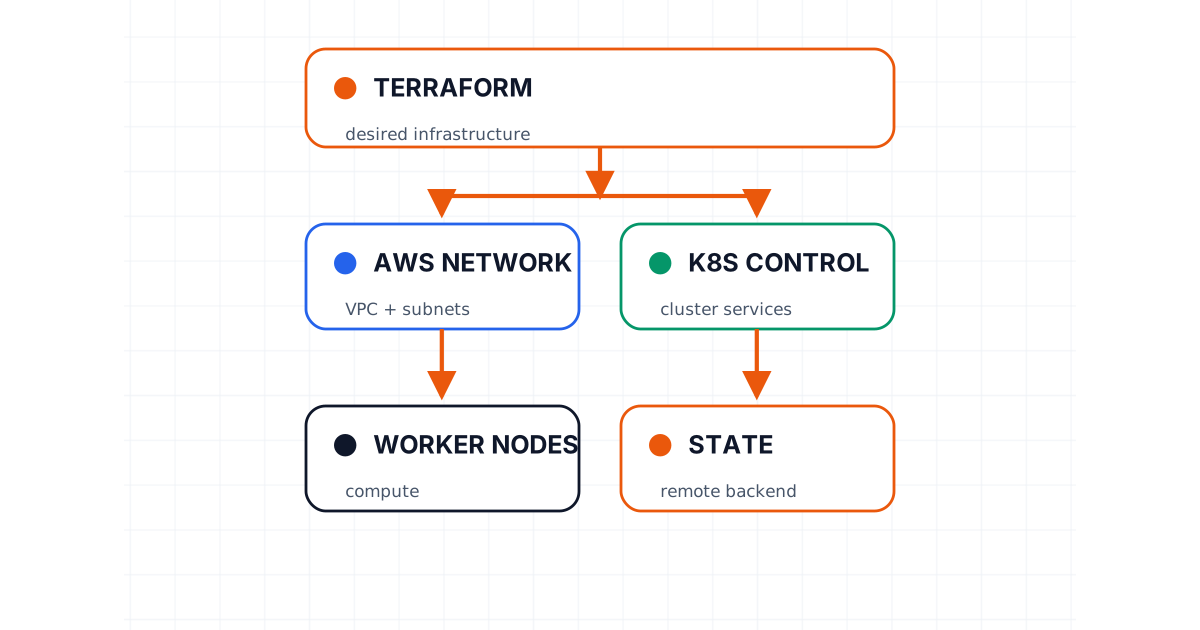
Kubernetes Cluster on AWS with Terraform
An engineering archive walkthrough of provisioning the AWS infrastructure for a Kubernetes cluster with Terraform.
4 min read
Kubernetes
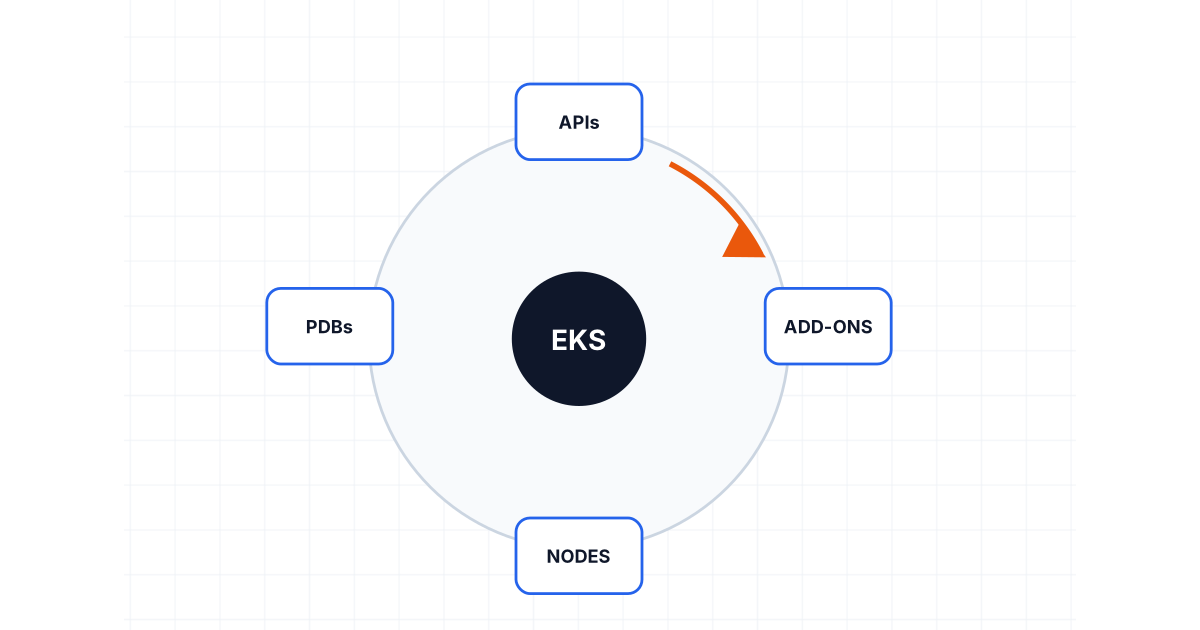
Planning an EKS Upgrade Without Turning It Into an Incident
Upgrade EKS with explicit checks for skew, deprecated APIs, add-ons, disruption budgets, replacement nodes, canaries, observability, and rollback limits.
8 min read
Delivery Engineering
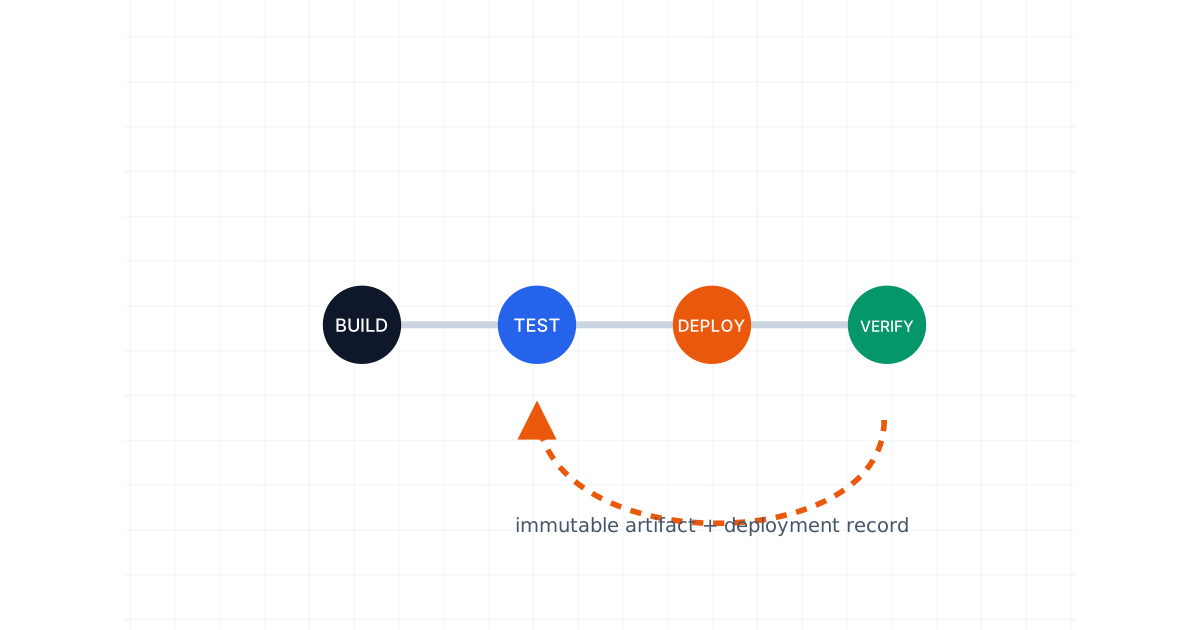
Rollback Is a Feature: Designing CI/CD Pipelines That Can Recover
Build recovery into CI/CD with immutable artifacts, deployment records, compatible database changes, progressive delivery, flags, drills, and evidence.
8 min read