
Planning an EKS Upgrade Without Turning It Into an Incident
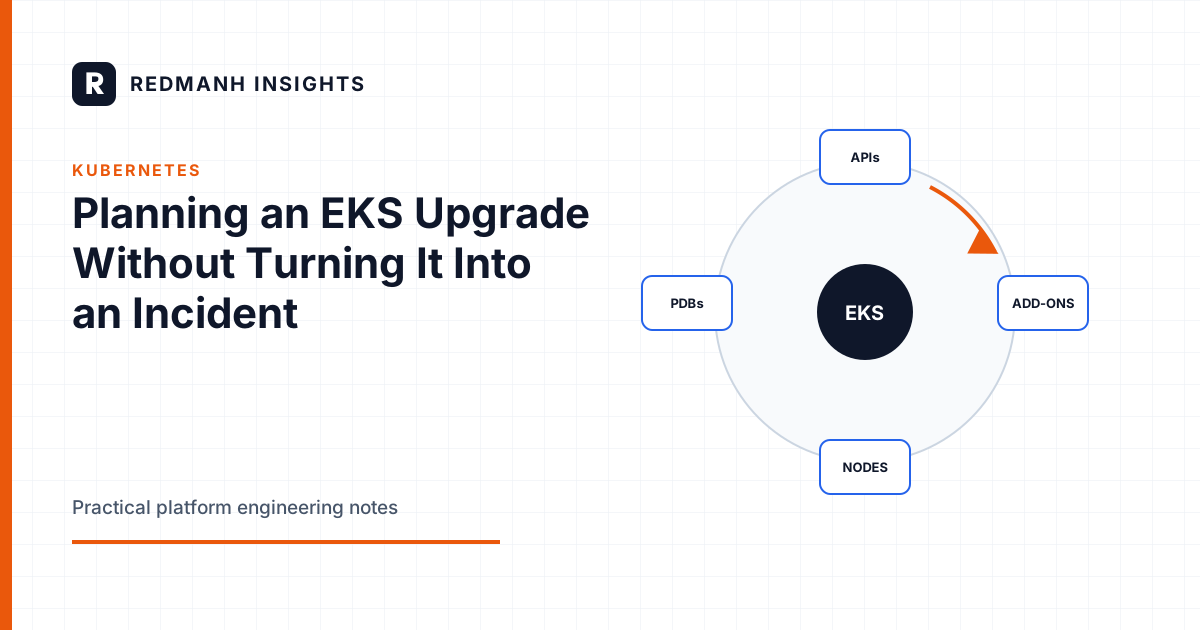
An EKS upgrade is a sequence, not a button
An Amazon EKS version upgrade crosses several independently versioned layers: the managed control plane, Kubernetes APIs used by workloads, EKS add-ons, admission webhooks, controllers, node kubelets, container runtimes, and application behavior during disruption. Treating the operation as one control-plane API call hides the real dependency graph.
The plan should establish compatibility before changing the control plane, then move through observable stages with explicit stop conditions. Kubernetes minor versions cannot be downgraded in place on EKS. Once the control plane advances, rollback means correcting incompatible components or, in the worst case, moving workloads to a separately built cluster. That limit should shape the entire procedure.
Start with an inventory and a target version
Record the current cluster version, platform version, node versions, add-on versions, and support window. Confirm that the target minor version is supported by EKS in the cluster region. Upgrade one minor version at a time where required, and review the EKS release notes for every intermediate version.
aws eks describe-cluster --name platform-prod \
  --query 'cluster.{version:version,platform:platformVersion,status:status}'

aws eks list-addons --cluster-name platform-prod
aws eks describe-addon-versions --kubernetes-version 1.31

kubectl get nodes -o custom-columns=NAME:.metadata.name,\
KUBELET:.status.nodeInfo.kubeletVersion,\
RUNTIME:.status.nodeInfo.containerRuntimeVersion
Do not copy the example version into an upgrade plan. Use the currently supported EKS version matrix and each add-on's compatibility data at planning time.
Make version skew explicit
Kubernetes publishes a version-skew policy for kube-apiserver, kubelet, kube-proxy, and kubectl. EKS adds service-specific constraints and support policy. The practical rule is to avoid using the maximum theoretical skew as an operating target. Keep nodes and critical clients close to the control plane and complete the node rollout promptly after the control-plane stage.
Inventory every component that speaks to the API server: Cluster Autoscaler, Karpenter, AWS Load Balancer Controller, ExternalDNS, metrics-server, secrets operators, policy engines, service meshes, backup agents, CSI drivers, GitOps controllers, and custom operators. Confirm the exact deployed version supports the target Kubernetes version. A Helm chart version and its container image version are not interchangeable evidence.
Also inspect admission webhooks. An unavailable or incompatible validating webhook can block creates and updates across the cluster. Verify service endpoints, certificate validity, failurePolicy, API versions, and timeout behavior before the upgrade.
Find deprecated APIs before the control plane does
Removed APIs can break manifests, controllers, and automation even when existing objects continue to run. Search both stored resources and actual API requests. Static repository scanning alone misses objects installed by Helm, generated by operators, or applied manually.
kubectl get --raw /metrics | grep apiserver_requested_deprecated_apis
kubectl api-resources

pluto detect-all-in-cluster
pluto detect-files -d ./manifests
Tools such as Pluto can accelerate discovery, but verify findings against the Kubernetes deprecation guide for the source and target versions. EKS Upgrade Insights can surface known compatibility concerns from audit history and cluster configuration. Treat it as one input, not a complete proof. Low-traffic jobs or rarely called APIs may not appear within the observation window.
Update manifests, CRDs, controllers, and clients before the control-plane change. Reapply or exercise the corrected path so the target API is observed in use. Merely changing YAML in a repository does not prove that the running release uses it.
Sequence managed and self-managed add-ons
For each EKS add-on, determine the version compatible with both the current and target cluster versions. This often permits an add-on upgrade before the control plane, reducing changes after the irreversible step. Record configuration values before updating because conflict resolution settings can overwrite managed fields.
aws eks describe-addon --cluster-name platform-prod \
  --addon-name vpc-cni

aws eks update-addon --cluster-name platform-prod \
  --addon-name vpc-cni \
  --addon-version <verified-compatible-version> \
  --resolve-conflicts PRESERVE
Do not select OVERWRITE reflexively. It can replace custom configuration. Conversely, PRESERVE can retain settings that are no longer valid. Compare the add-on schema and the live configuration. Apply the same discipline to CoreDNS and kube-proxy, and test DNS, service routing, pod IP allocation, and network policy afterward.
Self-managed controllers need their own upgrade procedures. Confirm image architecture, IAM permissions, CRD conversion, leader election behavior, and whether the release supports mixed old and new nodes.
Prove the cluster can tolerate node disruption
PodDisruptionBudgets do not create capacity and do not guarantee availability. They constrain voluntary eviction. A budget can also make node drains impossible if replicas, readiness, topology, or minAvailable are inconsistent.
kubectl get pdb -A
kubectl get pods -A -o wide
kubectl get nodes -L topology.kubernetes.io/zone
For each critical workload, verify replica count, readiness behavior, topology spread, anti-affinity, termination grace period, and spare capacity. Then test eviction in a representative environment. Watch for singleton workloads, local storage, restrictive budgets, finalizers, and long-running termination hooks.
Do not weaken every PDB to make a drain finish. If a budget correctly prevents unsafe disruption, the upgrade plan must add replicas, capacity, or a workload-specific maintenance procedure. EKS managed node group updates expose a maximum unavailable setting, but it does not supersede Kubernetes scheduling constraints.
Replace nodes rather than stretching in-place changes
A new managed node group or Karpenter node pool creates a clean rollback boundary for the compute layer. Build it with the target AMI family, Kubernetes version, bootstrap configuration, labels, taints, security groups, launch template, and instance profile. Avoid changing unrelated settings during the upgrade.
- Create a small canary node group at the target version.
- Verify nodes join and system DaemonSets become ready.
- Schedule selected canary workloads using a temporary label or taint.
- Observe application and infrastructure signals.
- Scale the new group, then cordon and drain old nodes gradually.
- Retain the old group until the new fleet passes the agreed soak period.
kubectl label node <new-node> upgrade-canary=true
kubectl cordon <old-node>
kubectl drain <old-node> \
  --ignore-daemonsets \
  --delete-emptydir-data \
  --timeout=20m
--delete-emptydir-data confirms that ephemeral data may be deleted. Use it only after identifying workloads that rely on emptyDir. Do not add --disable-eviction to bypass PDBs during a routine rollout. That converts a controlled voluntary disruption into direct pod deletion.
Use canary workloads that exercise real dependencies
A pod reaching Ready is a weak canary. Choose workloads or synthetic transactions that exercise DNS, service discovery, ingress, load balancer reconciliation, persistent volumes, secrets, IAM Roles for Service Accounts or EKS Pod Identity, network policy, autoscaling, and calls to critical dependencies.
Place a small share of noncritical traffic on the canary nodes where architecture permits. For batch platforms, run a representative job. For stateful services, attach a disposable test volume through the production storage class rather than moving production data first.
Define pass and stop criteria before rollout. Examples include failed scheduling, elevated API errors, DNS failures, CNI allocation errors, webhook timeouts, unavailable replicas, abnormal pod restarts, or application service-level indicators crossing an existing error-budget threshold. Avoid inventing a new threshold during the maintenance window.
Observe the control plane and the workload plane
Enable and retain appropriate EKS control-plane logs, including API, audit, authenticator, controller manager, and scheduler logs according to the environment's security and cost requirements. Ensure dashboards and alerts cover:
- API server errors, latency, throttling, and deprecated requests.
- Pending pods, scheduling failures, and insufficient capacity.
- Node readiness, pressure conditions, and kubelet errors.
- CoreDNS latency and failures, CNI errors, and IP exhaustion.
- Admission webhook failures and certificate errors.
- Controller reconciliation errors and leader-election churn.
- Application request rate, errors, latency, saturation, and queue depth.
Capture a baseline before the change and annotate dashboards with each stage. Keep one operator focused on execution and another on observation. If the same person is draining nodes, reading logs, and deciding whether errors matter, important signals can be missed.
Understand what can and cannot roll back
Before the control-plane upgrade, rollback can mean aborting and correcting prerequisites. After the control plane reaches the target minor version, EKS does not provide an in-place downgrade. Add-ons and node groups may be reversible only if their older versions remain compatible with the new control plane.
Keeping the old node group provides a useful compute rollback: stop drains, uncordon old nodes, and move workloads back if the target AMI or kubelet causes problems. It does not roll back removed APIs or the control plane itself.
For workloads that cannot accept this limit, the disaster path is a separate cluster built from reproducible infrastructure, with data and traffic migration procedures already tested. Backups of Kubernetes objects are valuable, but restoring them into an older cluster is not automatically safe. External load balancers, volumes, DNS, IAM, secrets, and operator-managed resources have identities and side effects beyond etcd.
A stage-gated runbook
- Baseline: inventory versions, capacity, APIs, health, and application indicators.
- Compatibility: remediate deprecated APIs and upgrade controllers that support both versions.
- Disruption proof: test PDBs, scheduling, topology, and drain behavior.
- Control plane: upgrade one minor version, then stop and observe.
- Add-ons: apply the verified version sequence and test cluster services.
- Canary nodes: exercise representative workloads and dependencies.
- Fleet replacement: drain in bounded batches with stop conditions.
- Closeout: confirm deprecated requests are gone, remove old nodes only after soak, and preserve evidence.
The upgrade is complete when the cluster is supportable on the new version, not when the EKS API reports success. Nodes, controllers, add-ons, manifests, operational evidence, and recovery procedures all need to converge.
Need this built properly?
Redmanh LLC designs and operates Kubernetes platforms, Terraform managed infrastructure, and release pipelines for private and public sector teams.
Start a conversationRelated articles
Kubernetes
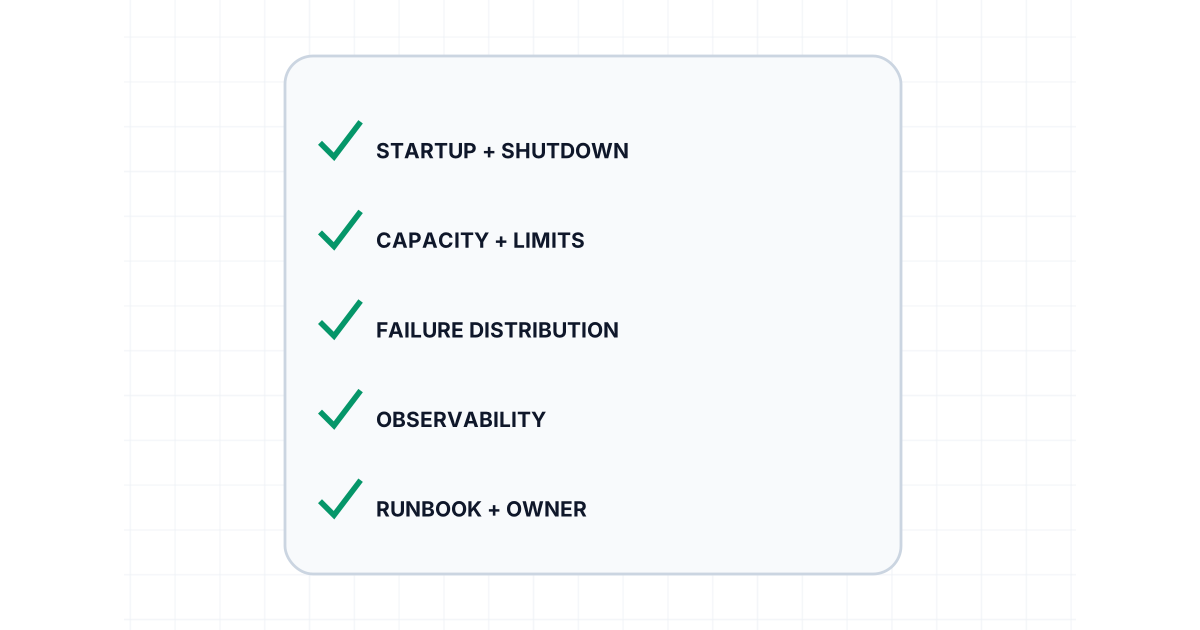
Kubernetes Production Readiness Is More Than Health Checks
Production-ready Kubernetes workloads need resource contracts, disruption control, safe shutdown, scaling evidence, observability, and tested recovery.
8 min read
Kubernetes
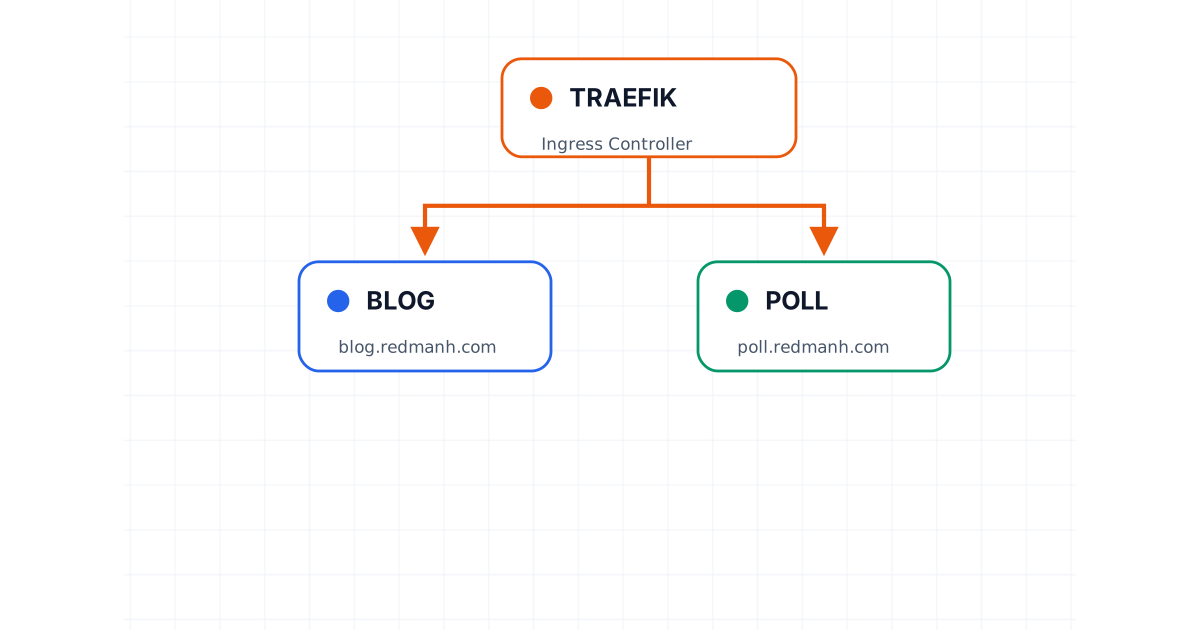
Kubernetes Ingress with Traefik
A practical introduction to routing multiple applications through Traefik as a Kubernetes ingress controller.
5 min read
Infrastructure as Code
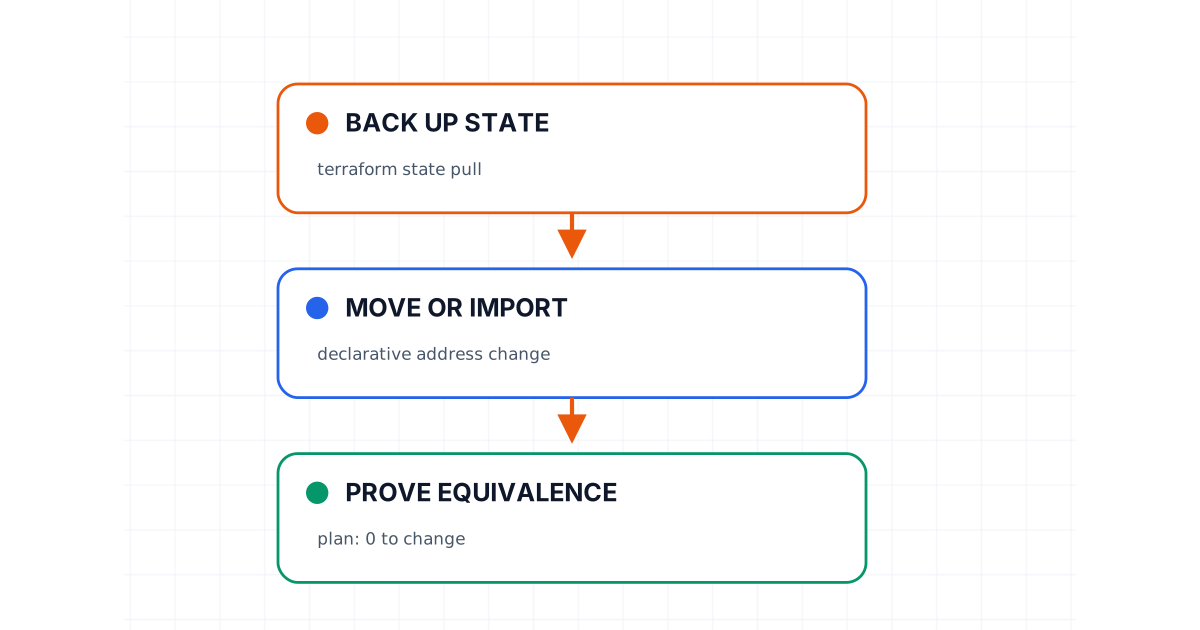
A Safe Terraform State Migration Playbook
Move Terraform state without gambling on production: back up, verify locks, map addresses, prove plan equivalence, and preserve a tested rollback path.
8 min read