
Kubernetes Ingress with Traefik
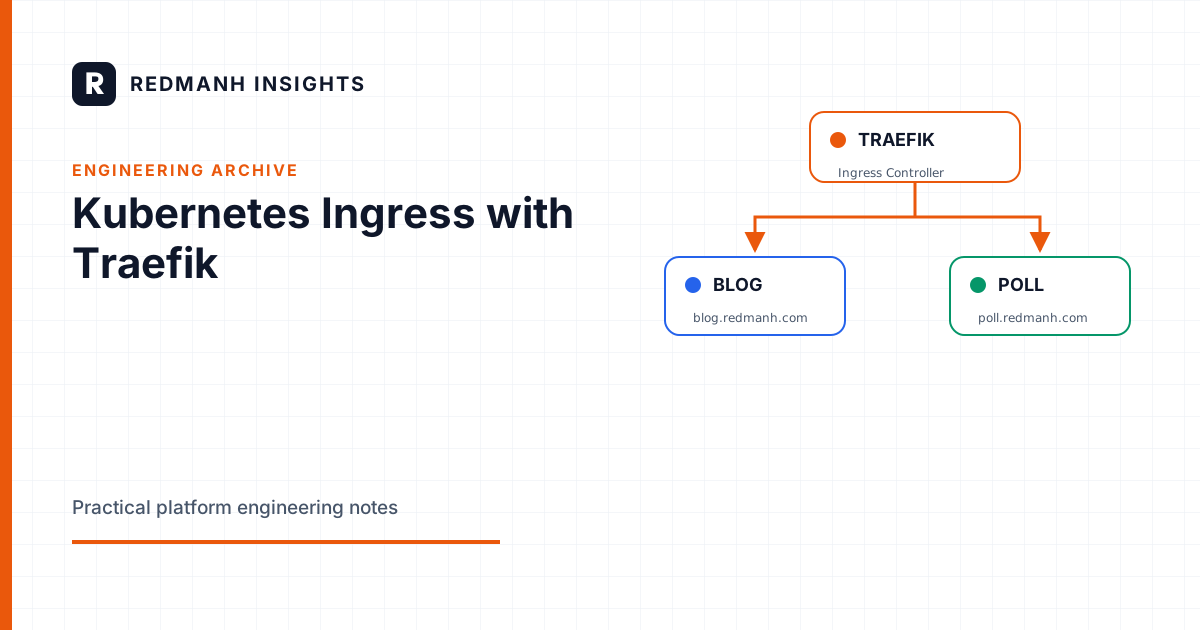
Traefik is a really cool cloud-native, open source reverse proxy I’ve been using for quite a while now mostly because of its ease of use ( and yeah, I love the name). I’ll be the first to admit that it’s so much cooler to deploy Traefik on Kubernetes clusters than on Swarm clusters 😉 . So it was a no brainer for me to adopt it in my application deployed in Kubernetes.
But first, what is a Kubernetes ingress? According to the Kubernetes documentation…
Ingress exposes HTTP and HTTPS routes from outside the cluster to services within the cluster. Traffic routing is controlled by rules defined on the Ingress resource.
Simple enough?
Here’s a problem that Kubernetes Ingress solves (in my experience). Let’s say I have a domain redmanh.com where I want to host a bunch of different applications in a Kubernetes cluster. I have a blog application to post my blogs and a poll application for people to vote on different topics. I then create deployments for these applications along with a Kubernetes service that would allow external access to my applications (that’s the end goal right?). Users would need the IP address or DNS name for each of my applications to be able to access them. However, I’ve got only one domain name that I’m willing to pay for. Here’s where the ingress comes in. I can create an ingress resource to route traffic to the services depending on the path specified. redmanh.com/blog routes the user to the blog application while redmanh.com/poll routes users to the poll application. This is called path-based routing. Another cool feature is that you can place your SSL termination at the ingress level as opposed to implementing SSL for each application. Traefik allows you to specify what SSL certificates to use for which service. Traefik also integrates nicely with Let’s Encrypt. Okay, let’s get to work…
I’ve got my deployment files here.
Kubernetes does not come with the Ingress controller pre-installed upon creation of the cluster (I’m still trying to get used to this stress) so you can install any ingress controller of your choice. In our case, we’ll be installing the Traefik ingress controller. Run the following commands:
kubectl apply -f traefik-rbac.yaml
kubectl apply -f traefik-ds.yaml
This installs the role-based access control (RBAC) which is needed to authorize Traefik to use the Kubernetes API and also creates a Traefik ingress Daemonset and a service. You can check the Traefik documentation for more information about the installation of the ingress controller.
Now we can create the blog and the poll applications using a Kubernetes deployment and service.
kubectl apply -f blog-deployment.yaml
kubectl apply -f poll-deployment.yaml
This deploys simple Nginx based applications with an index page. I have pre-created the images and pushed them to Docker hub. You can find the Dockerfile in the blog and poll directory in the repo.
The next step is to create the ingress resource that routes traffic to the services depending on the request. Let’s check out the routes-ingress.yaml for a minute.
apiVersion: extensions/v1beta1
kind: Ingress
metadata:
  name: redmanh-routes
  annotations:
    kubernetes.io/ingress.class: traefik
    traefik.ingress.kubernetes.io/rule-type: PathPrefixStrip
spec:
  rules:
  - host:
    http:
      paths:
      - path: /poll
        backend:
          serviceName: redmanh-poll
          servicePort: 80
      - path: /blog
        backend:
          serviceName: redmanh-blog
          servicePort: 80
The spec.rules.hosts.path is where you specify your frontend rule and the backend service the traffic should be routed to and on what port. if I run the command kubectl get svc and kubectl describe svc redmanh-poll we can see that the redmanh-poll service is running on port 80. Therefore, we’ll specify this in the deployment file since we need the path /poll to be routed to the poll application (you get the gist).

I have also created another service and ingress resource for Traefik dashboard (dashboard-ingress.yaml) so we can see a visualizer of how the traffic is being routed. Now run the following command:
kubectl apply -f route-ingress.yaml
kubectl apply -f dashboard-ingress.yaml
We can check the details of the ingress by running kubectl describe ing redmanh-routes. We can see each path shows a corresponding backend with the IP address and port number of the pod(s) running the application.

Note that we can also have a path pointing to multiple pods in the backend. This can happen if we have more than one replica of the pod running. Let’s say we noticed an increase in the traffic on the poll application so we increase the replicas from 1 to 3. Traefik ingress notices the change and adds all 3 pods to the backend as you can below.

You can also view this on the Traefik dashboard which is routed to the / root path

http://redmanh.com/poll takes you to the poll application

and http://redmanh.com/blog takes to the blog application. Yeah I’m too lazy to set up actual blog and poll web apps ( sue me 🤷♂️)

I have temporarily edited the /etc/hosts file on my laptop to route redmanh.com to the IP addresses of my Kubernetes cluster nodes which is how we’re able to access our applications with the redmanh.com FQDN. Now, this is as simple as it gets. We can get way more creative than this. For example, we could have SSL termination. For more info on Traefik on Kubernetes, you can check here. One final point to note is that the Traefik ingress controller watches all namespaces by default. However, you” need to create an ingress resource for each namespace you want to route traffic to.
That’s it for now guys. Till next time …
Redmanh
Need this built properly?
Redmanh LLC designs and operates Kubernetes platforms, Terraform managed infrastructure, and release pipelines for private and public sector teams.
Start a conversationRelated articles
Kubernetes
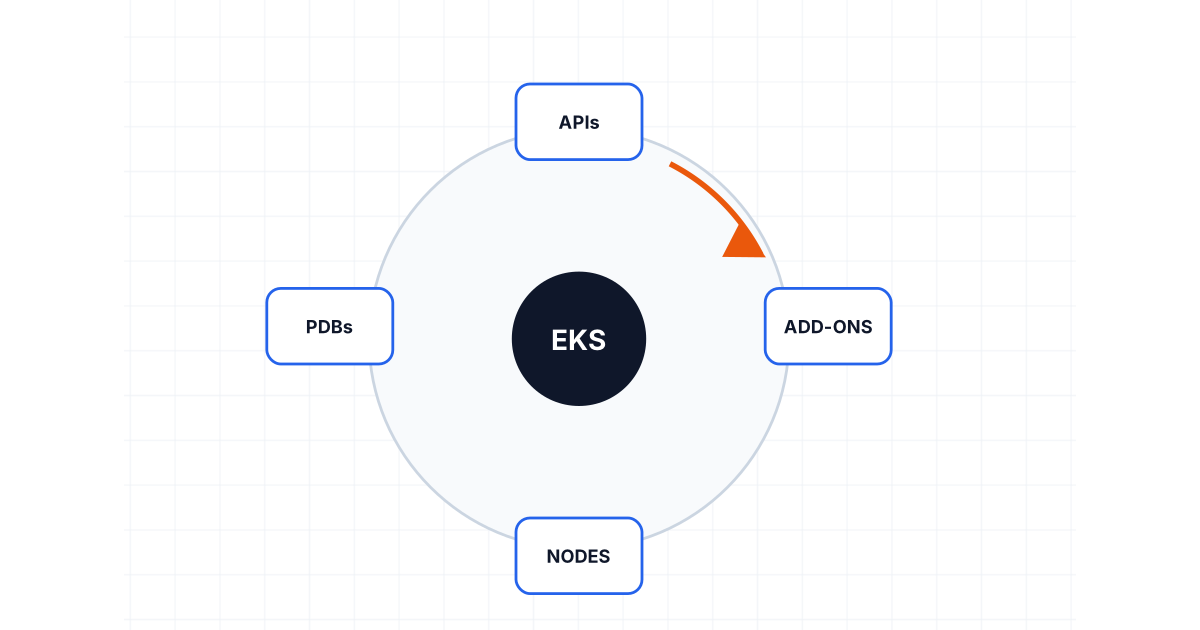
Planning an EKS Upgrade Without Turning It Into an Incident
Upgrade EKS with explicit checks for skew, deprecated APIs, add-ons, disruption budgets, replacement nodes, canaries, observability, and rollback limits.
8 min read
Kubernetes
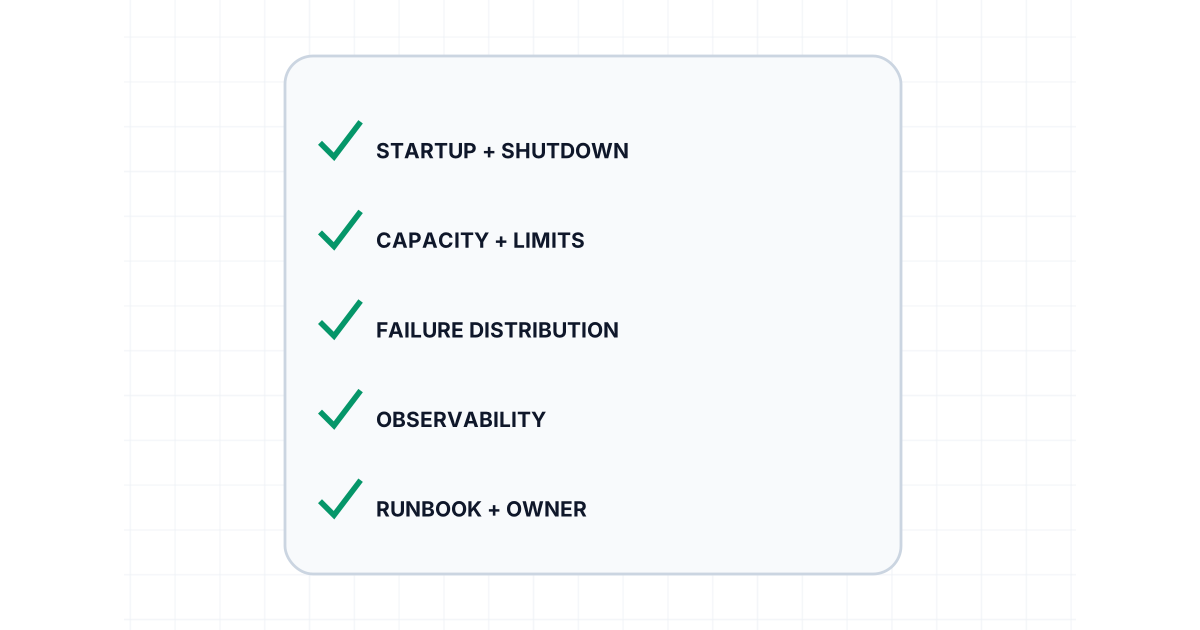
Kubernetes Production Readiness Is More Than Health Checks
Production-ready Kubernetes workloads need resource contracts, disruption control, safe shutdown, scaling evidence, observability, and tested recovery.
8 min read
Infrastructure as Code
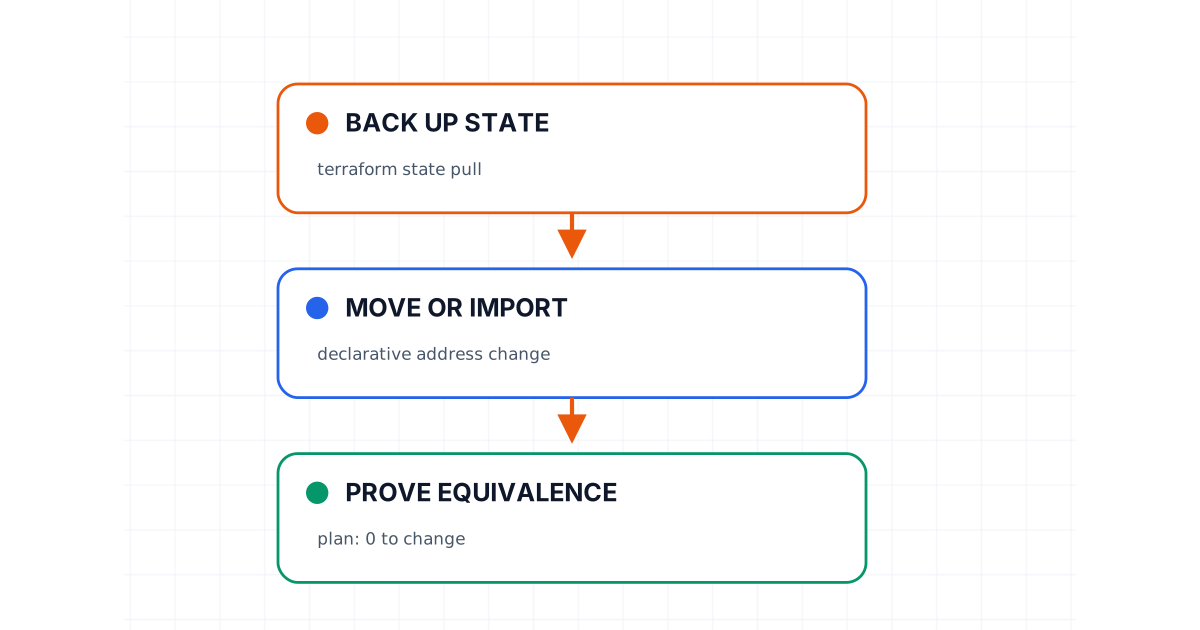
A Safe Terraform State Migration Playbook
Move Terraform state without gambling on production: back up, verify locks, map addresses, prove plan equivalence, and preserve a tested rollback path.
8 min read